Meshtastic in NZ: getting on the Wellington mesh (and into Home Assistant)
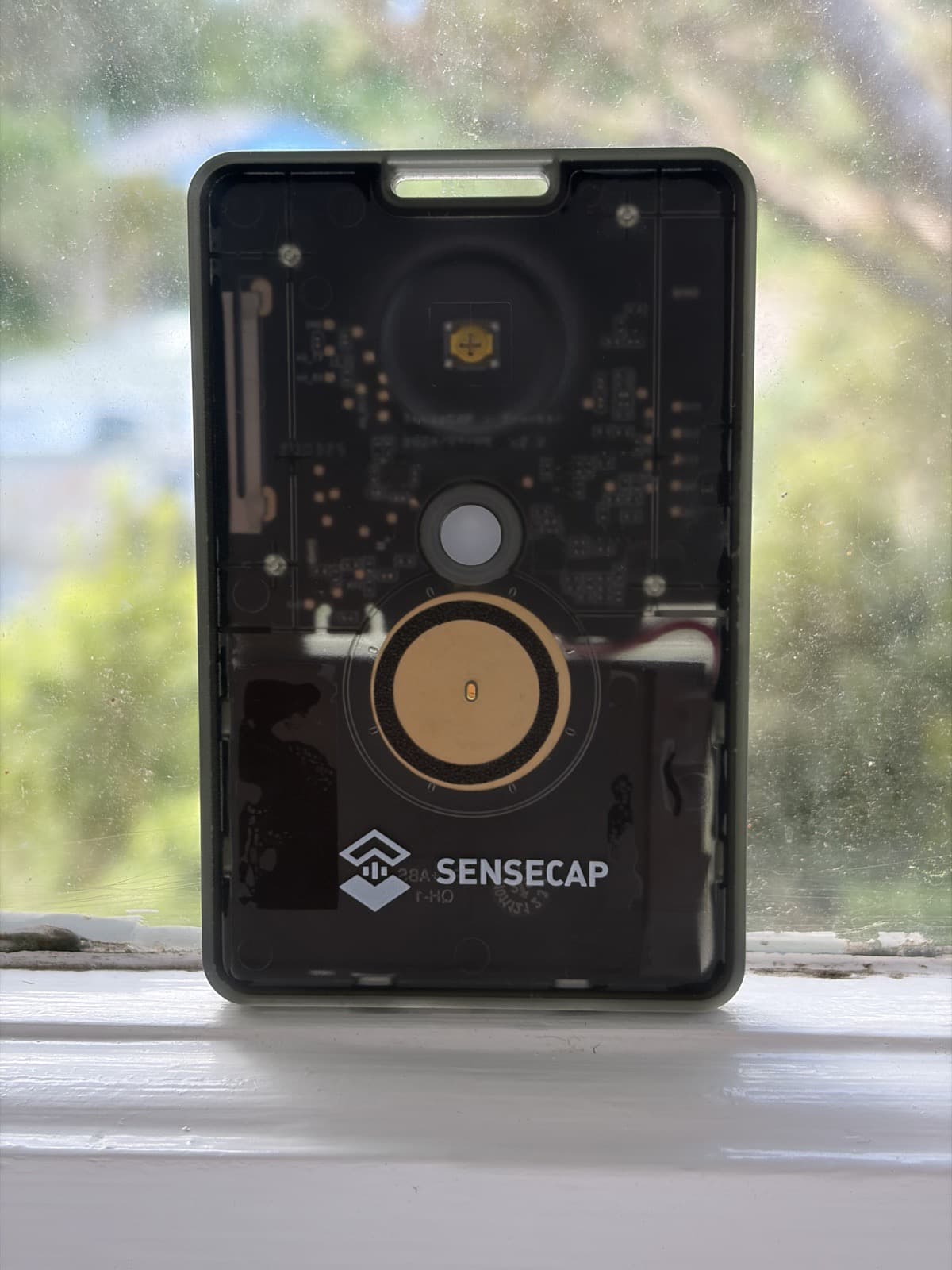
On a good day, the little Meshtastic tracker card sitting near my window can see around 145 other radios across the Wellington region. It has an antenna the size of a fingernail and probably can't transmit much past the next suburb, but that doesn't matter, because every message hops across other people's nodes to get where it's going. I get pings and messages from many kilometres beyond anything the card could reach on its own, with other nodes passing messages between themselves.
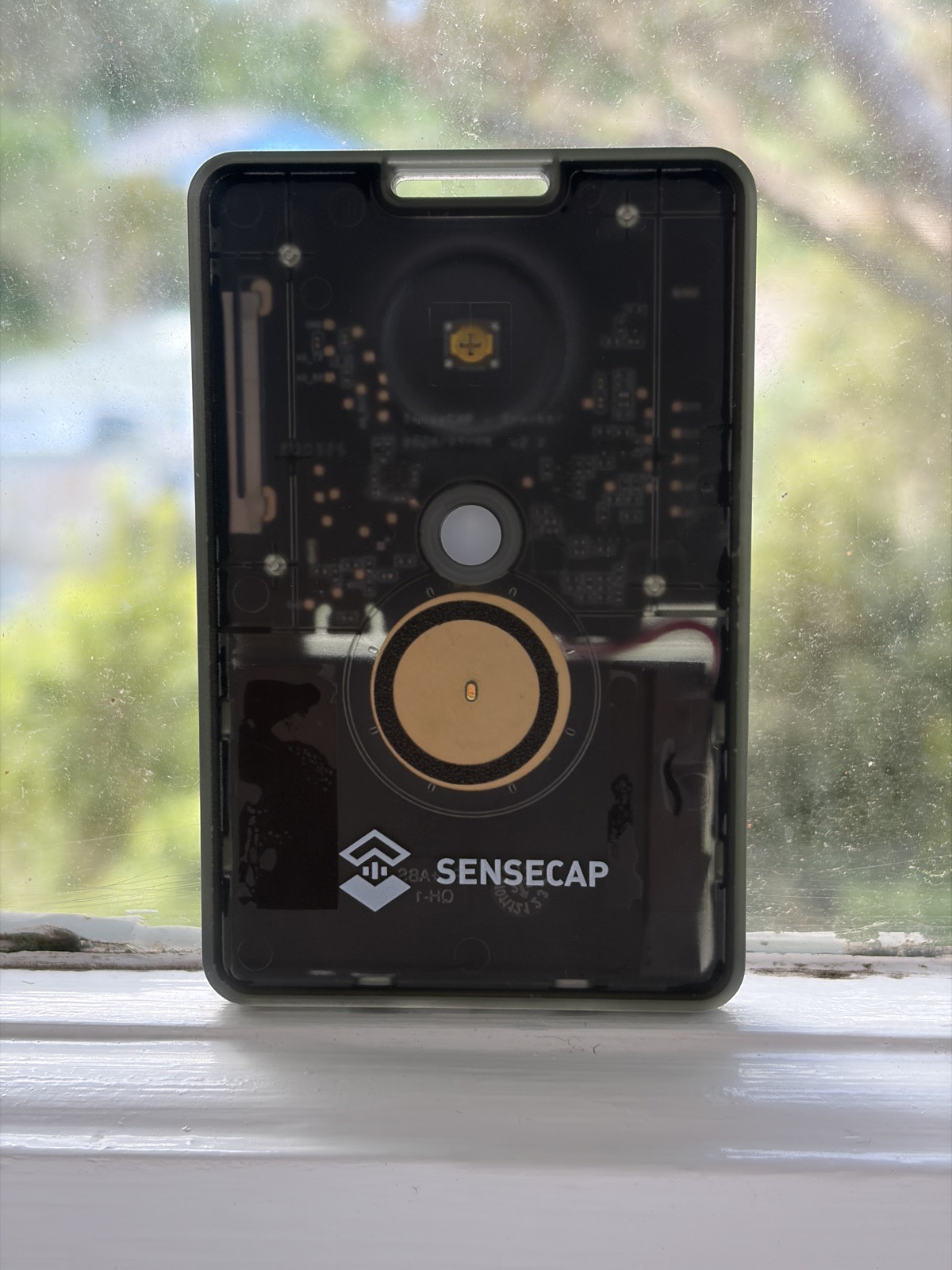
The tracker card in its usual spot by the window. The whole radio is the size of a credit card.
If you haven't come across it, Meshtastic is an open-source project that turns cheap LoRa radios into a long-range, off-grid text messaging network. There is no centralised network provider, no cell towers, just individual radios owned and run by ordinary people, relaying messages for each other. The devices themselves are cheap (the tracker card I use is US$40) and can run for days on a battery.
I've had a couple of Seeed SenseCAP T1000-E tracker cards for a while, and over the weekend I plugged one into the Raspberry Pi that runs my Home Assistant setup. Which means my house has taken the first step to becoming part of this city-wide infrastructure, and I can watch it all from an internet browser.
The Home Assistant bit
Getting it working on Home Assistant was pretty simple; there is an existing Meshtastic integration (installed via HACS) which does nearly all of the work. You choose how you are connecting (USB / serial, TCP or Bluetooth) and it discovers everything: battery, airtime, channel utilisation, node counts, plus a message entity per channel and an event that fires on every incoming text.
To make it visible within Home Assistant, I built a tabbed dashboard with a tab per channel, a compose box for sending messages out to the mesh, and an automation that pushes any incoming message straight to my phone. So when an orange wind warning goes out over the mesh, my phone buzzes moments later, by way of a message that hopped across the city between hobbyists' radios with no internet involved.
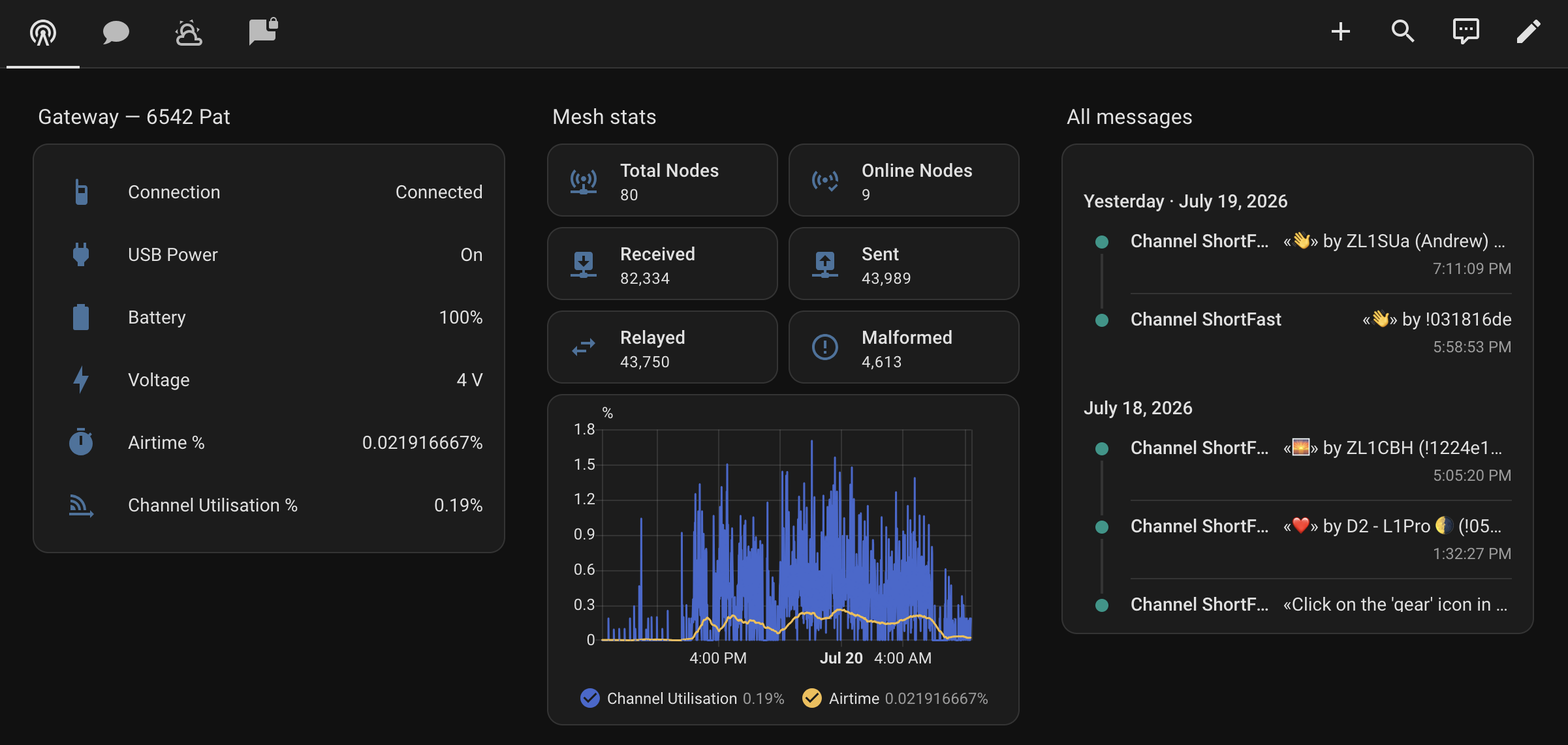
The Overview tab: gateway status on the left, mesh-wide stats in the middle, and everything the radio has heard on the right.
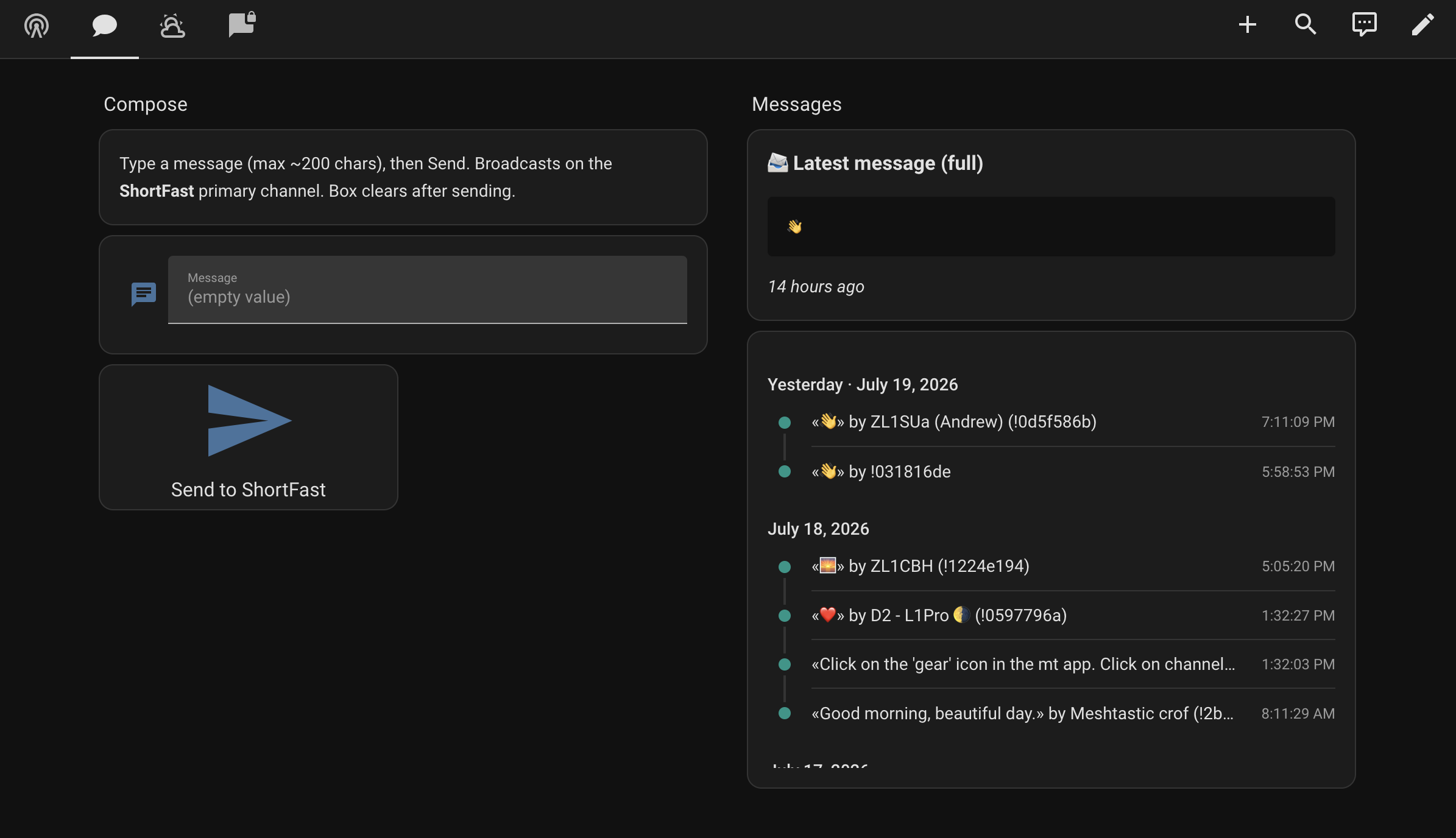
Sending from the dashboard: type a message, hit send, and it broadcasts on the primary channel. The panel on the right shows the latest message in full, because the built-in logbook card truncates long ones.
The network is small and the 'chat' on the public channels is infrequent and sparse, but there are interesting nodes out there doing interesting things. One person hosts a set of automated channels, formerly grouped under 'WeatherNet', posting twice-daily weather reports, ad hoc weather warnings, and earthquake reports. With this wired into HA, I can receive those reports when the internet is out (provided whoever runs them still has internet) and even when the power is out (provided I sort out that UPS for my networking gear).
Where I want to take it
The current setup works well, but its range is limited, so I'm at the mercy of the mesh - if the very small number of nodes I can 'see' go down or can't relay messages, then I don't get the messages. So the first idea is hardware: a more capable outdoor node with a proper antenna and proper line of sight above the rooftops - expanding the number of nodes I can see and improving the resilience of the mesh as a whole.
The interesting two-way stuff is already working, at least in early form. Home Assistant can push alerts out over the mesh as direct messages to another device, so a warning from the house can reach me with no internet involved at either end, an offline backup for when I'm out of coverage or the connection is down. And I have a proof of concept running in the other direction: send the house a message over the mesh and an automation acts on it, whether that's reporting the temperature of a room or setting the heat pump to a target temperature. A better node would turn both from a neat trick at short range into something I could actually rely on.
And then there's the more speculative version: a public question-answering node on a channel anyone can use. What are the headlines on RNZ National? When is the next train to Johnsonville? What's the rugby score? A little service like that, bridging the internet onto the mesh for anyone with a radio - like the WeatherNet automated node, but on demand.
The information problem
Setting the radio up again meant re-finding all the Wellington-specific settings, and that turned out to be the hardest part of the whole exercise. The information exists, but it's scattered: some community websites are down, some details live only in Discord messages or Facebook groups, and search results surface configuration advice that's outdated or for the wrong region entirely. Nothing I'd call a current, single-page reference.
So here's mine. Largely written for future me, but if you're in Wellington and Meshtastic-curious, this should get you from a boxed radio to seeing the local mesh.
Wellington quick-start
Wellington runs one of the larger meshes in the country: 250-plus radios, running since early 2024, with coverage across the lower North Island and reaching the top of the South. Getting on it is mostly a matter of matching your radio's settings to the local convention.
Radio / LoRa settings
| Setting | Value |
|---|---|
| Region | ANZ |
| Modem preset | SHORT_FAST |
| Frequency slot | 16 |
| Hop limit | 3 |
| TX enabled | Yes |
| TX power | Max your board supports |
| RX boosted gain | On |
The two settings people most often get wrong are the modem preset and the frequency slot. Wellington runs SHORT_FAST, not the LongFast default that every radio ships with, and if either setting doesn't match the local mesh you will hear precisely nothing. A radio with the wrong preset looks exactly like a radio in a city with no mesh at all, which is a discouraging first impression of a network that's actually quite lively.
ANZ is the usual region setting anywhere in New Zealand, but the preset and slot are local conventions. If you're outside Wellington, check with your local group before copying these; the New Zealand community links at the bottom are a good place to start.
Channels
Primary channel. Use the default public channel with the default pre-shared key (AQ==). This is where the regional chatter happens.
Weather and hazard channels. (Updated 30 July 2026: WeatherNet has split into three separate channels.) Add these as secondary channels to receive the same kind of automated reports as before, now split by topic. All three are receive-only, and all three use the same default pre-shared key as the primary channel rather than a private one.
| Channel | Pre-shared key | What it carries |
|---|---|---|
wlg-weather | AQ== | Wellington, Kapiti, and Blenheim weather at 6am and 7pm, plus MetService alerts as they're posted |
Quakealerts | AQ== | Nationwide earthquake alerts as they come in |
wlg-marine | AQ== | Wellington marine forecast at 5am and 12pm daily |
Details above are current as of July 2026. Things change and I'll do my best to update here. Let me know if anything is out of date, or if you discover more interesting nodes / channels out there.
Links
Wellington and New Zealand community
- Wellington Community Meshtastic Network (Crisislab)
- Meshtastic Community NZ
- New Zealand Meshtastic Community on Facebook
- Critical Signals intro-to-Meshtastic sessions (archived — session has since concluded; check their programme for future sessions)
- Geekzone's Meshtastic in New Zealand thread
Official Meshtastic
Updated 30th July 2026 with the new WeatherNet channels.
More posts
1 min read
Can you beat Wellington on your mobile
Can You Beat Wellington now installs straight from your phone's browser and opens full screen, no app store required.
1 min read
Can you beat Wellington has a new home
A Reddit post gave Can You Beat Wellington a proper long tail of visitors, so it's time it left the subdomain and got a home of its own.
5 min read
A load of rubbish: the price of loyalty
My rubbish collector quoted a brand new customer $47 less than I pay after eight years of loyalty. It's completely legal, and it's everywhere.
Replies
Loading replies…